
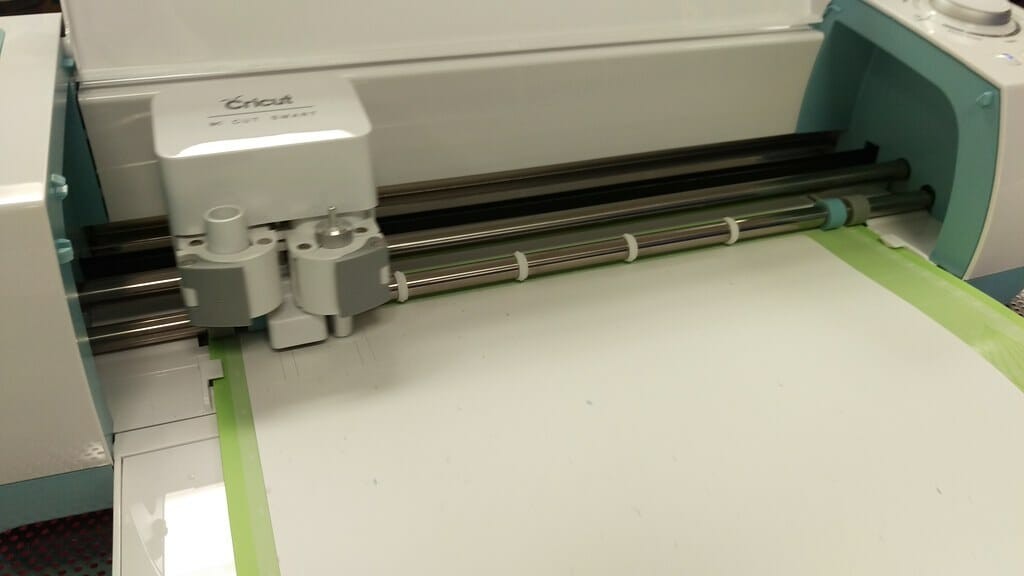
Setting Up a Cricut Machine
Once you remove your Cricut maker from the box, plug it into a power outlet. As you do so, leave enough clearance of 10 to 20 inches in the back and front of the machine for the cut mats to seamlessly pass through it. The box contains two cords. One has a USB and square end to easily connect to your PC via Bluetooth. Plug in the square end of this code into the back of your Cricut machine and the USB end into your PC. The second is the power cord. The circular end is plugged into the back of the machine and the other into an outlet.Uses of a Cricut Machine
It’s your holy grail for crafting items such as:- Cards and cardstock projects
- Wood Cutouts
- Banners
- Jewelry such as earrings
- Personalized t-shirts
- Customized tumblers and coffee mugs
- Paper flowers
- Stickers
- Banners
- Wood signs
- Decals
- Keychain
- Stencils